

 Loading...





































































































Play Tower Of Destiny online for free, an exciting and fast-paced retro jump game that will test your reflexes and patience! Can you guide your little pixel hero all the way to the top without falling or hitting dangerous spikes? It sounds simple, but this tower is filled with tricky obstacles that make every jump a thrilling challenge. The controls are super easy to learn, making it perfect for playing on your computer, tablet, or phone whenever you want a quick gaming session.
As you climb higher and higher in this endless vertical adventure, you can collect shiny gems scattered across the platforms. Save up these gems to unlock awesome new skins and characters to customize your runner! Whether you're playing on a phone during a break or on your computer at home, Tower Of Destiny is packed with retro charm, catchy music, and addictive gameplay that will keep you saying "just one more try!"
Are you ready to conquer the tower and reach the highest score among your friends?
About Tower Of Destiny
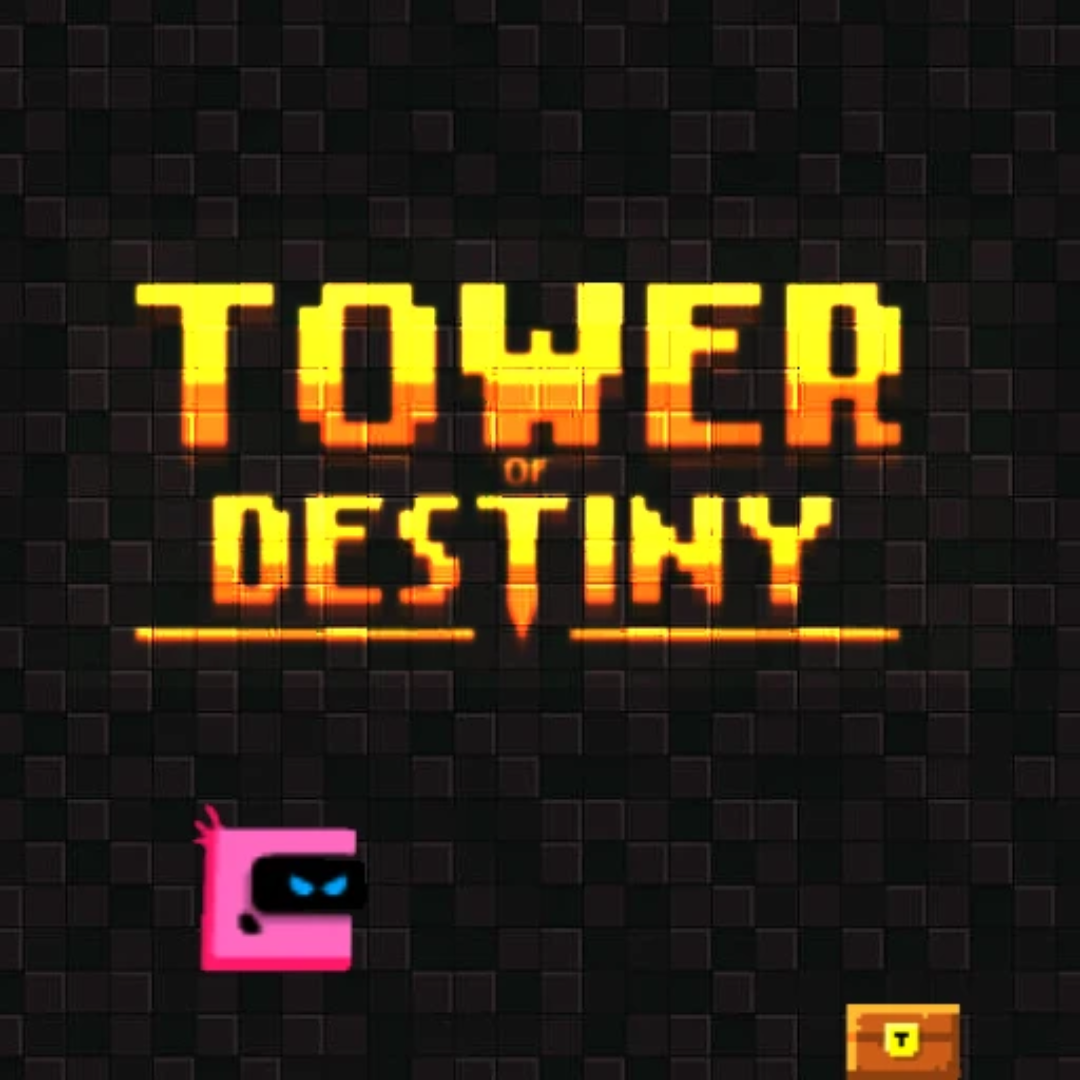
Tower Of Destiny is a retro-style vertical platformer game designed to test your timing and reflexes. It was originally released around 2014 during the golden age of Flash browser games and quickly became popular for its simple yet punishing gameplay loop.
The game was originally created by the developer known as DrMop, who is known for creating various engaging web games. Whether you're playing on a desktop, tablet, or mobile phone, Tower Of Destiny is designed with a "easy to play, hard to master" philosophy, using simple one-touch controls that make it instantly accessible to everyone.
Thanks to its charming pixel-art graphics, catchy chiptune soundtrack, and addictive "just one more run" nature, Tower Of Destiny continues to be a favorite choice for kids and players of all ages who love challenging arcade-style games!
Tower Of Destiny Gameplay
Tower Of Destiny is deceptively difficult! You start at the bottom of a tall tower, and your character automatically runs back and forth on the platform. Your main goal is to time your jumps perfectly to land on the platform above you, climbing as high as possible. Key skills needed for success are patience, precise timing, and quick reactions to moving obstacles.
As you progress higher up the tower, the game gets much harder. Platforms become smaller, some start moving horizontally, and dangerous spikes and saw blades appear more frequently. The game features a chest mechanic where reaching certain heights rewards you with a large burst of gems. What makes this game unique is its reliance on a single input—jumping—while your character handles the movement, forcing you to focus purely on timing.
The core gameplay loop involves climbing, dying, and retrying instantly. Along the way, collecting gems is crucial. These act as the game's currency. You can use these gems in the main menu store to purchase different character skins, adding a fun layer of customization and a long-term goal beyond just getting a high score.
Advanced gameplay requires reading the environment ahead of time. You need to anticipate how moving platforms will line up and memorize the timing patterns of rotating saws. Success in Tower Of Destiny is directly tied to muscle memory and your ability to stay calm under pressure as the tower gets more dangerous.
Platform
You can play this game directly in your web browser, whether you're using a desktop, laptop, tablet, or mobile device.
How to Play Tower Of Destiny?
In Tower Of Destiny, your main goal is to climb an infinite tower by jumping from platform to platform without dying. Your character runs automatically; you only control when they jump. You must avoid falling off the screen or hitting red spikes, rotating saws, or enemy creatures that patrol certain platforms.
As you get higher, the game increases in difficulty by introducing faster-moving platforms and narrower spaces to land. You should try to collect as many gems as possible during your climb to unlock new characters. If you hit an obstacle or fall, it's game over immediately, and you have to restart from the very bottom.
The game ends whenever you fail a jump. Your score is determined by how high you climbed. The drive to beat your previous high score and collect enough gems for that next cool skin is what will motivate you to keep playing again and again.
Controls
Tower Of Destiny uses incredibly simple "one-button" controls, making it very easy to pick up. Here's how you control your character's jumps:
-
On Computer:
- Press the Spacebar to jump.
- Alternatively, press the Up Arrow Key or Left Click with your mouse to jump.
-
On Mobile:
- Tap anywhere on the screen to jump.
Since your character runs automatically, you only need to focus on pressing one button at the right time to hop up!.
Tips and Tricks for Tower Of Destiny
Want to climb higher and unlock more skins in Tower Of Destiny? These simple and helpful tips will improve your timing and help you unlock cool rewards faster:
- Be Patient: Don't rush your jumps. Wait for your character to be in the perfect position under the next platform before jumping.
- Ignore Risky Gems: Sometimes a gem is placed too close to a spike. It's better to skip the gem and survive than to risk restarting your run.
- Watch Moving Platforms: For platforms that move left and right, try to jump when the platform is moving towards you, not away from you.
- Look Ahead: Don't just look at the platform you are currently on. Always keep an eye on the next two platforms above you to plan your route.
- Study Spike Patterns: Some spikes or saws move in a set pattern. Watch them for a second to understand their rhythm before attempting to pass.
- Use The Walls: Remember that your character turns around automatically when hitting a wall. You can use this to re-position yourself for a better jump angle.
- Take Breaks: If you keep failing at the same spot, take a short break. Frustration usually leads to worse timing!
- Save Your Gems: Don't spend gems immediately. Save them up for the more expensive, cooler-looking characters you really want.
Follow these tips and you'll be reaching new heights in the tower in no time!
Features of Tower Of Destiny
Tower Of Destiny is a thrilling arcade platformer designed for players of all ages. Below are the top features that make this game so enjoyable and addictive:
- Retro Pixel Graphics: The game features charming 8-bit style visuals that give it a classic arcade feel.
- Simple One-Touch Controls: You only need one button to play, making it accessible for kids and adults alike on any device.
- Endless Gameplay: The tower goes on forever! The only limit is your skill, providing endless hours of challenge.
- Unlockable Characters: Collect gems to unlock a variety of different skins to customize your little hero.
- Increasing Difficulty: The higher you climb, the harder it gets, introducing moving platforms and trickier traps.
- Catchy Soundtrack: Enjoy upbeat, retro chiptune music that matches the fast-paced action of the game.
- Cross-Platform Play: Works perfectly on desktops, laptops, tablets, and mobile phones without any issues.
- Instant Retry: Restarting after a failure is instant, keeping you engaged in the "just one more try" loop.
These features make Tower Of Destiny a perfect game for anyone who loves testing their reflexes with fun, challenging, and retro-style gaming!
Tower Of Destiny Online
Tower Of Destiny online is the special version of the popular retro platformer that you can play right here on our website. This version has been carefully designed so that you can enjoy the game directly in your browser—without downloading or installing anything!
You can start playing Tower Of Destiny instantly with just one click. It works smoothly on all major web browsers, including Google Chrome, Mozilla Firefox, Microsoft Edge, Safari, and Opera. Whether you're using a computer, tablet, or mobile phone, the game is fully optimized for your device.
This is a modified edition of the original Tower Of Destiny, made for the best online experience. It keeps all the fun gameplay while running fast and safely on every browser.
Tower Of Destiny for Free
You can enjoy playing Tower Of Destiny for free right here on our website. This is a special modified version of the original game that allows you to play online without paying anything. No download is needed, and there are no hidden fees or in-game purchases required to enjoy the core game.
Everything in the game—from climbing the tower to collecting gems and unlocking new skins—is completely free. Kids and players of all ages can have fun challenging themselves without spending a single coin!
Also, all the games on our site are 100% free to play. We believe in fun gaming without limits or costs. Just choose a game and start playing instantly!
Can You Play Tower Of Destiny Unblocked?
Yes! You can play Tower Of Destiny unblocked anytime on our website Granny-game.io. Whether you're at school, in class, at work, or on a break, the game runs smoothly without any restrictions.
There's no need to download anything or bypass any blocks. Just visit our site and start climbing the tower right away. It's safe, fast, and works perfectly on any device!
Tower Of Destiny Unblocked 76
No need to search for Tower Of Destiny unblocked 76, unblocked 66, or unblocked iOS. On our website Granny-game.io, you can play the game freely without any limits or restrictions.
The version we offer works perfectly on all devices and networks — whether you're using a school Wi-Fi, office connection, or mobile data. Enjoy Tower Of Destiny for free, anytime and anywhere!
Tower Of Destiny GitHub
Many players search for Tower Of Destiny GitHub versions to bypass blocks that prevent them from playing the game at school or work. While GitHub might offer some alternatives, it's often complicated and not always reliable.
But with our website Granny-game.io, you don't need to search for GitHub versions anymore. Our version of Tower Of Destiny runs smoothly on all devices and networks. Whether you're in the classroom, office, or on a break — enjoy the full game online with no restrictions, no downloads, and completely for free!
Tower Of Destiny Download
Many fans of Tower Of Destiny love to download the game to their own devices for a better playing experience than just playing on the browser. Here's how you can do it:
- If your device runs on Android, you can search for similar tower climbing games on the Google Play Store and tap the install button to download them.
- If you use Apple devices like iPhone or iPad, head to the Apple App Store to find similar vertical platformers and press the install button to get the game.
APK Tower Of Destiny
If you use an Android device but can't find the exact game in the Google Play Store, don't worry! You can sometimes search for a Tower Of Destiny APK file online on reputable APK sites and download it directly to your device. This way, you can install the game without using Google Play.
Also, if you love playing on your computer, you may be able to find versions of Tower Of Destiny for free on various PC gaming platforms. This lets you enjoy the game with better controls and graphics.
Tower Of Destiny Extension
Many fans of Tower Of Destiny prefer to play the game directly on their browser using a Google Chrome extension. This lets them start playing instantly without having to visit the website every time. Plus, some extensions allow you to play offline whenever you want. To check if a Tower Of Destiny extension is available, click here to search the Chrome Web Store.
FAQs About Tower Of Destiny
Is Tower Of Destiny free to play?
Yes, the game is completely free to play online in your web browser with no hidden costs.
How do I unlock new characters?
You need to collect the purple gems scattered throughout the tower levels to buy new skins in the main menu shop.
Can I play Tower Of Destiny on my iPad or iPhone?
Absolutely! The game is mobile-friendly and works great on iPads, iPhones, and Android phones using touch controls.
Does the tower ever end?
No, Tower Of Destiny is an "endless runner" style game, meaning the tower goes on forever until you fall or hit a spike.
What is the best control to use on a computer?
Most players find using the Spacebar is the easiest and most comfortable way to time jumps accurately on a computer.
Is Tower Of Destiny hard for kids?
It is easy to learn but gets tricky quickly. It's a great challenge for kids who like testing their reaction times.
What happens if I fall off the platform?
If you fall or hit a trap, it's "Game Over," and you have to restart your climb from the very bottom of the tower.
Do I need to download anything to play?
No download is required. You can play the full game directly in Chrome, Firefox, Safari, or Edge browsers.
Conclusion
Tower Of Destiny is a fantastic retro arcade game that offers a perfect mix of simple fun and tough challenges. It's great for developing quick reflexes, patience, and timing skills in a fun, low-pressure environment. Because it's so easy to pick up and play, it's accessible to everyone, regardless of their gaming experience.
The best part is that it's completely free to play on any device you have, from your school laptop to your smartphone. Kids will love the pixel art style and the excitement of trying to unlock all the different character skins without having to spend any real money. It's ready to play immediately whenever you have a few spare minutes.
So, what are you waiting for? Start climbing the tower today! Share the game with your friends and see who can reach the highest floor and become the ultimate Tower Of Destiny champion!